


Auto manage 404, 301, and live URL redirects to optimize SEO

SC Easy URL Redirects


4.9 / 5 (294 reviews) ·
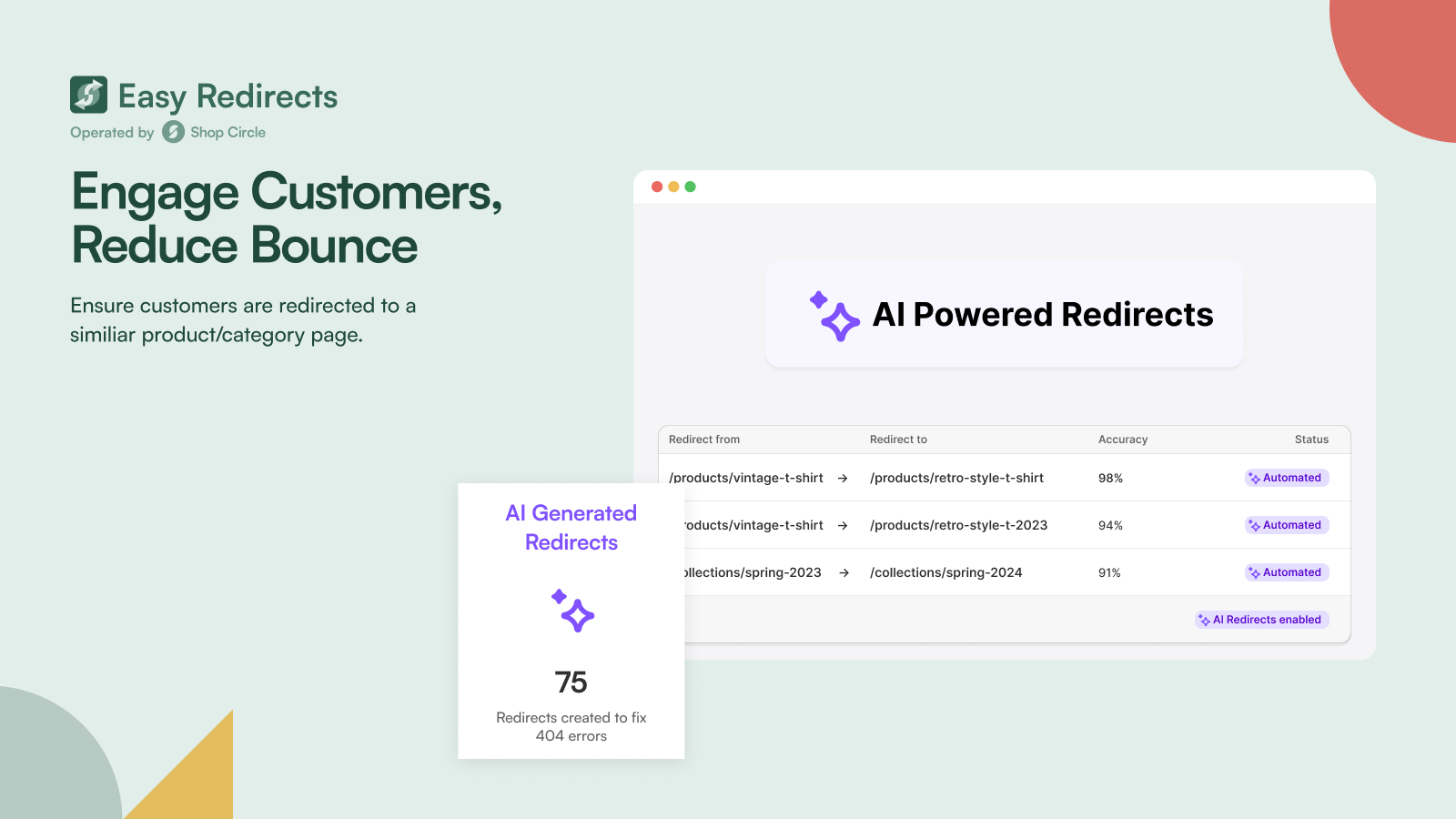
Automatically fix 404 errors with AI redirects for broken links, site migrations, and URL changes to protect SEO.
Automatically fix 404 errors with AI redirects for broken links, site migrations, and URL changes to protect SEO.
Optimize Browsing Experience
Redirect any live Shopify page to another URL, not just broken 404 pages. Create redirects from active product pages, collections, or blog posts to internal or external URLs. Perfect for Shopify stores restructuring their catalog, merchants running seasonal campaigns that need temporary redirects, and businesses consolidating multiple product pages into single landing pages without losing SEO rankings.
Find out more


URL Management with Wildcard Redirection
Use wildcard pattern redirects to manage hundreds of Shopify URLs with single rules instead of creating individual 301 redirects manually. Automatically redirect entire product categories, collection paths, or blog archives based on URL patterns. With unlimited wildcard redirects, you can set up redirects for any page, allowing users to find the information they need quickly and easily.
Get Started
Automated 404 Error Resolution
Monitor 404 errors in real-time with automated email alerts when customers encounter broken Shopify URLs. View which pages are missing, how many visitors were affected, and create redirects directly from error reports. Essential for preventing lost revenue from broken product links, catching migration issues early, and maintaining SEO rankings and user experience by fixing dead URLs quickly.
Start free trial
Main Features

Product Redirector

Wildcard Redirector

Detect 404 Errors
Pricing
BASIC
Free

Bulk redirects for broken 404 pages
Statistics and analysis
Group redirects to categorise and filter with ease
PRO
7-day free trial
$14.99/month
All basic features
Alerts and reminders to manage 404 page errors
Redirect patterns to automate redirects
Automatically detect broken 404 pages
PRO+
7-day free trial
$39.99/month
AI Redirects
Create redirects for active store pages
Upload active-page redirects in bulk
Automate active-page redirections
Create redirects for subdomain URLs
Fix broken links with Easy 404 Fi
* All charges are billed in USD.** Recurring charges, including monthly or usage-based charges are billed every 30 days.

What our clients say about us

Great App, Was worried about the 301 redirects and track 404 errors with migration to Shopify, easy redirects made it easy to resolve both issues. The support is been fantastic from Amrinder. Thank you!
Poetry Designs
I used this application to establish redirects for our new Shopify store. The product worked flawlessly and was quick to use.
Berwyn Betty's Bath & Body Shop
This App is simple and easy to use and does exactly what it says, cleanly and elegantly. They provide great almost instant support. Great value for money.
Radio Warehouse Australia
Automatically fix 404 errors with AI redirects for broken links, site migrations, and URL changes to protect SEO.
Install Now
SC Easy URL Redirects
You have questions, we have answers.
You can automate 404 error resolution using the Easy 404 Fix feature in SC Easy Redirects. The app continuously monitors your store in real-time. As soon as a visitor hits a broken link, the app detects it and can automatically redirect them to a relevant page or your homepage. This set-and-forget system ensures you never lose a sale to a dead-end page and keeps your SEO health in check without manual daily monitoring.
SC Easy Redirects is designed for smooth migrations through its Bulk Upload capability. Instead of entering links one by one, you can upload a simple CSV file containing all your old and new URLs. This is essential for moving from platforms like Magento or WooCommerce to Shopify, as it allows you to migrate thousands of redirects in seconds, preserving your hard-earned SEO link juice and search rankings.
Yes. While standard Shopify redirects only work for broken 404 links, the Live Redirects feature in SC Easy Redirects allows you to redirect active pages to other live URLs. This is perfect for time-sensitive marketing campaigns, seasonal sales where you want to push traffic to a specific landing page, or when you’ve updated a product URL and want to ensure even current visitors are moved to the newest version.
Yes, you can upload a CSV file with unlimited redirects in one go to your Shopify store. This is especially useful if you're migrating to Shopify from another platform, restructuring your store, or consolidating multiple stores into one Shopify account.
You can create custom redirects that send visitors from deleted product pages to related Shopify products, collections, or category pages. This keeps customers engaged in your Shopify store rather than landing on a generic homepage.
Yes, the app provides analytics showing how many times each redirect has been triggered in your Shopify store, helping you understand which old URLs still receive traffic and optimize your Shopify SEO accordingly.
No, redirects are processed at the server level and have minimal impact on your Shopify store's page speed. The app is optimized to handle thousands of redirects without affecting your Shopify store's performance or customer experience.


