


Easy, reusable data management for creating unique layouts

Accentuate Custom Fields


4.9 / 5 (151 reviews) ·
Make your site stand out with unique layouts, engaging galleries, and user-friendly menus.
Make your site stand out with unique layouts, engaging galleries, and user-friendly menus.
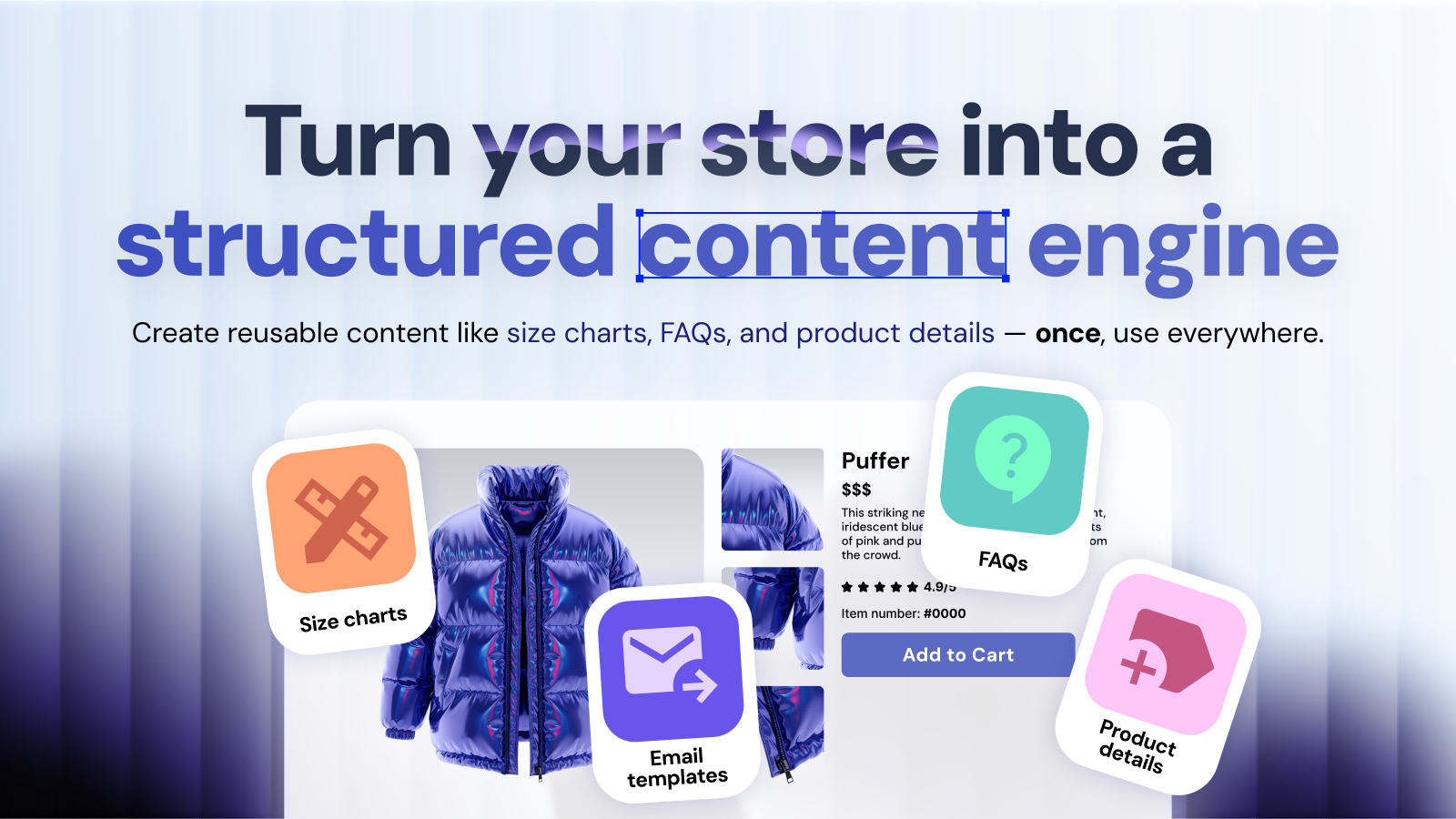
Build Reusable Content Blocks
Accentuate lets you create reusable content blocks for your Shopify store. You can easily build structured and scalable elements like size charts, FAQs, brand information, and product specifications. This feature also allows you to add dynamic features including product details, countdown timers, promo animations, promo banners, and page redirections.
Find out more


Manage Shared Content Across Your Store
Accentuate features a Reference Manager that lets you share and control content effortlessly. You can update your information just one time and automatically apply it everywhere across your store. This makes it incredibly easy to sync universal details like sizes, languages, memory specifications, and product variants across multiple items at once.
Get Started
Import and Edit Data in Three Quick Steps
Accentuate provides bulk import and export options via CSV to give you full control over your data. You can manage your store information quickly by exporting your metafields, editing your CSV sheets, and then importing and mapping your fields back into the system.
Start free trial
Main Features

Custom Field Types

Multi-language content

Versioning
Pricing
Free
Free

Premade customizable theme blocks:
Products promotion
SEO keywords
Countdown timer
Promotional banner
Sticky promo bar
Falling animated effects
Page redirect
Starter
15-day free trial
$7/month
Everything in Free
50 metafield definitions
Products, variants + 1 more content type
All field types
Standard support
Scale
15-day free trial
$25/month
Everything in Starter
200 metafield definitions
All content types
Import & export
Scheduled imports
Business
15-day free trial
$39/month
Everything in Scale
Unlimited metafield definitions
Bulk editor
Reference manager
Advanced search
Professional
15-day free trial
$55/month
Everything in Business
Shopify Flow triggers
Customer webhooks
90-day version history
Multi-store sync (+$19/store)
Priority support
* All charges are billed in USD.** Recurring charges, including monthly or usage-based charges are billed every 30 days.

Integrations
Get the most out of Accentuate Custom Fields. Connect to the platforms you love.
Streamline your app by integrating all your platforms to Accentuate Custom Fields.


What our clients say about us

Unrivalled metafield app for Shopify, the options and configurability are excellent and operation is flawless. Store syncing of definitions between multiple accounts is a huge time saver. Support from Mikkel for a particularly large dataset export was incredibly fast.
Black Diamond
This app is just insanely good. We've essentially built a new CMS that is intuitive and highly customisable thanks to all the custom field features native to Accentuate. Highly recommended.
Marvels from the World
This app allows us to supercharge all our content. You really need custom fields to offer a full experience to your customers and Accentuate makes it truly amazing. The best thing about it is by far its customer service, no way to fail when you know you are in good hands! 5 happy stars!
Innerforce
Make your site stand out with unique layouts, engaging galleries, and user-friendly menus.
Install Now
Accentuate Custom Fields
You have questions, we have answers.
There are three primary ways to display your custom data using Accentuate Custom Fields. You can paste the Liquid syntax directly into your theme code for total control, use Shopify Dynamic Sources to connect Accentuate metafields and metaobjects to your theme blocks via the Theme Editor, or utilize the app's Prebuilt Theme Extensions. These options allow you to showcase unique specifications exactly where your customers need them.
To make your data available to the Storefront API (essential for headless commerce), your Accentuate metafields must have a Shopify Native definition assigned. Shopify no longer supports exposing unstructured definitions. Within the Accentuate dashboard, you can easily convert your custom fields to their corresponding Native definitions to ensure they are accessible for external applications or custom storefronts.
Yes. By using the Store Linking feature in Accentuate Custom Fields, you can copy and paste your definitions from a parent store to a secondary store. This replicates your entire data structure in seconds. While the definitions (the skeleton of your data) are cloned instantly, you will still need to migrate the actual values separately using the app’s robust export and import tools.
You can check your values in two ways. Within the Accentuate app, navigate to Values > Editor, choose your scope, and select a specific item. Alternatively, for a quick technical check, you can append /metafields.json to any product URL in your Shopify Admin. This will display a raw data view of every value currently assigned to that specific product via Accentuate.
Yes. Accentuate Custom Fields provides deep support for Shopify Metaobjects and advanced field types like multi-select lists, custom JSON, and reference fields. This allows you to create complex data relationships, such as linking Designer Profiles to multiple products, giving you the flexibility of a full Content Management System (CMS) powered by Accentuate.


